
22 Sep 2026· 1 min read· By ComDove Team
Writing WhatsApp message templates that get approved
Templates are how a business starts a conversation. Pick the right category, keep variables clear, and say who you are.
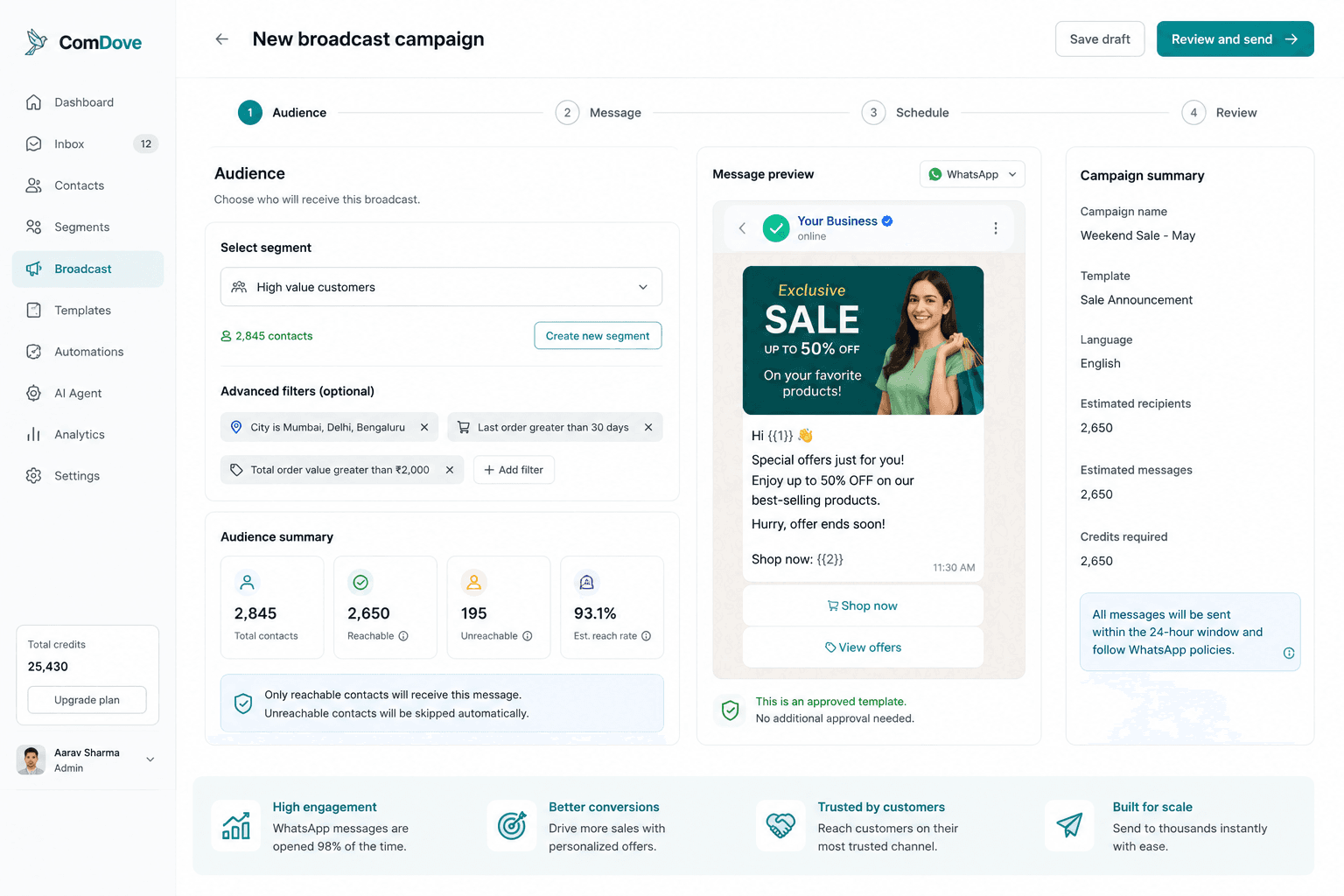
To message a customer first — or after 24 hours without a reply — WhatsApp requires a pre-approved template. Meta reviews each one before you can send it.
Pick the right category
- Marketing: offers, announcements, invitations.
- Utility: updates about something the customer already did — an order, a booking, a payment.
- Authentication: one-time passcodes.
The category decides the price, and Meta can recategorise a template it thinks is labelled wrongly. An order update with a discount code in it is marketing.
Make it easy to approve
- Say who is sending: start with your business name.
- Use variables for what changes, like
{{1}}for a name, and send sample values with the template. - Don't start or end the message with a variable, and don't put two next to each other.
- Give people a way out of marketing messages, such as a "Stop promotions" button.
Meta's WhatsApp Business policy lists what can't be sent at all.
More insights
- Getting started with the WhatsApp Business PlatformWhat you need before your first message: a number, a verified business, approved templates — and what the API calls look like.
- Running a broadcast campaign without spamming your customersOnly message people who opted in, send what they asked for, and watch your quality rating.
- A shared team inbox: who answers whatOne number, many people. Assign each conversation an owner and answer inside the 24-hour window.